

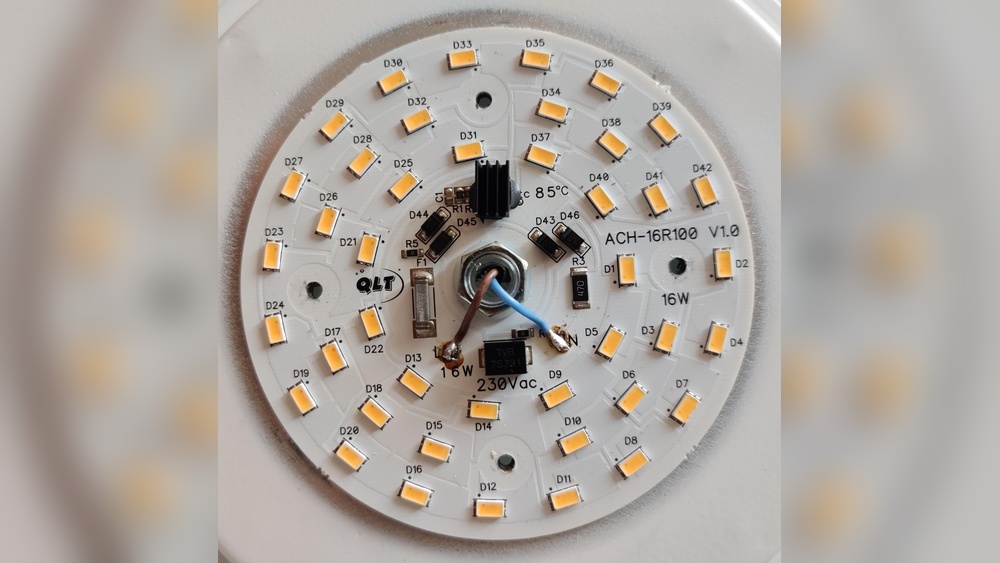
Are your LED lights flickering and driving you crazy? Flickering lights can be more than just annoying—they might signal an underlying issue that could affect your comfort and safety.
But don’t worry, you don’t need to call an electrician right away. You’ll discover simple, effective ways to fix those flickering LED lights quickly. Keep reading, and you’ll learn how to save money, avoid frustration, and bring steady, bright light back into your home.
Common Causes Of Flickering
Flickering LED lights can be annoying and may signal a problem. Understanding the common causes helps fix the issue quickly. Some causes are simple and easy to fix, while others may need professional help.
Loose Connections
Loose wiring or connections often cause flickering lights. Wires may come loose inside the bulb socket or switch. This interrupts power flow and makes the light flicker. Checking and tightening connections can stop the flicker.
Incompatible Dimmer Switches
Not all dimmer switches work well with LED bulbs. Some dimmers are made for older bulbs like incandescent. Using the wrong dimmer causes flickering and buzzing sounds. Switching to LED-compatible dimmers solves this problem.
Voltage Fluctuations
Voltage changes in your home’s electrical system can cause flickering. High or low voltage disrupts the LED’s steady light output. This can happen during peak electricity use or faulty wiring. A voltage stabilizer or electrician’s help may be needed.
Faulty Led Bulbs
Sometimes the problem is the bulb itself. Low-quality or damaged LEDs can flicker even with good wiring. Replacing old or cheap bulbs with better quality ones stops flickering. Always buy bulbs from trusted brands.

Tools You’ll Need
Fixing flickering LED lights requires the right tools. These tools help you check wiring, test voltage, and replace parts safely. Having them ready makes the job easier and faster.
Screwdrivers And Pliers
Screwdrivers help remove light covers and open fixtures. Pliers grip wires and twist connectors. Both tools are basic but essential for any light repair work.
Voltage Tester
A voltage tester checks if power is flowing to the light. It shows if the circuit is live or off. This tool keeps you safe by avoiding electric shocks.
Replacement Bulbs
Keep extra LED bulbs handy. Flickering can mean the bulb is faulty. Swapping in a new bulb can solve the problem quickly.
Multimeter
A multimeter measures voltage, current, and resistance. It helps find wiring issues and bad connections. This tool gives detailed info for better troubleshooting.
Fixing Loose Connections
Loose connections often cause LED lights to flicker. Fixing these connections can stop the flicker and save energy. This task is simple and safe if done correctly. Follow these steps carefully.
Turning Off Power Safely
Always turn off the power before working on electrical parts. Use the circuit breaker to cut power to the light fixture. Double-check by flipping the light switch to ensure the power is off. This prevents electric shock and keeps you safe.
Checking Wire Connections
Remove the light cover to see the wiring. Look for wires that are loose, disconnected, or damaged. Gently pull each wire to test its hold. Tighten any loose wires by pushing them back into the connector. Replace damaged wires if needed.
Tightening Or Replacing Connectors
Check the wire connectors for wear or damage. Use a screwdriver to tighten loose connectors. If connectors are cracked or broken, replace them with new ones. Secure connections ensure steady power flow and stop flickering.
Upgrading Dimmer Switches
Upgrading dimmer switches can solve LED light flickering problems. Many flickers happen because the dimmer switch does not match LED bulbs. Older dimmers work well with traditional bulbs but not with LEDs. Changing to the right dimmer switch helps lights run smoothly and last longer.
Identifying Incompatible Dimmers
Not all dimmer switches work with LED lights. Old dimmers may cause flickering or buzzing sounds. Check the dimmer label or manual for bulb compatibility. If it only lists incandescent or halogen bulbs, it likely won’t work well with LEDs. Another sign is if the dimmer has a large slider or rotary dial. These often do not support LED bulbs properly.
Choosing Led-compatible Dimmers
Choose dimmer switches made specifically for LED lights. LED-compatible dimmers have special circuits to handle low wattage. Look for labels like “LED dimmer” or “ELV dimmer” on the product. These dimmers reduce flickering and improve light quality. Also, check the dimmer’s wattage rating to match your total LED load. This ensures safe and stable performance.
Installing New Dimmer Switches
Turn off power at the breaker before starting installation. Remove the old dimmer switch carefully. Connect wires from the new LED-compatible dimmer to the wall wires. Match colors: usually black to black, white to white, and green or bare wire to ground. Secure the dimmer in the wall box and attach the cover plate. Turn power back on and test the lights. They should dim smoothly without flickering or noise.
Managing Voltage Issues
Voltage problems often cause LED lights to flicker. Managing these issues can stop the flickering and protect your lights. Understanding voltage stability is key. Small changes in voltage can make LEDs blink on and off. Fixing this can improve light performance and save energy.
Testing Voltage Stability
Start by checking your home’s voltage with a multimeter. This tool measures the voltage at the light fixture. Stable voltage should stay close to the rated value. Fluctuations or drops can cause flickering. Test several times at different hours. This helps find patterns or spikes in voltage.
Using Voltage Regulators
Voltage regulators keep electricity steady. They stop sudden drops or rises in voltage. Installing one protects your LED lights from flickering. Choose a regulator with the right capacity for your home. Plug the LED lights into the regulator. This creates a smooth power flow and reduces flicker.
Consulting Electricians For Major Problems
Big voltage problems need expert help. Electricians can find hidden wiring faults or faulty circuits. They have tools to measure power quality deeply. Professionals can fix or replace bad wiring safely. Call an electrician if flickering continues after simple fixes. This keeps your home safe and your LED lights steady.

Replacing Faulty Led Bulbs
Replacing faulty LED bulbs is a key step to stop flickering lights. Bad bulbs can cause annoying flickers and uneven lighting. Changing them improves light quality and saves energy. The process is simple but needs care.
Spotting Defective Bulbs
Look for bulbs that flicker, dim, or blink often. Some bulbs may have dark spots or cracks. Flickering can also mean the bulb is old or damaged. Test bulbs by swapping with a known good one. Defective bulbs usually show clear signs of wear.
Selecting Quality Replacements
Choose bulbs from trusted brands for long life. Check the packaging for wattage and brightness labels. Match the bulb base type to your fixture. Look for energy-efficient options to save electricity. Avoid very cheap bulbs; they often fail fast.
Proper Installation Tips
Turn off the power before replacing bulbs. Wait for bulbs to cool down if recently used. Screw bulbs gently to avoid damage. Ensure bulbs fit snugly but do not overtighten. Test the new bulb to confirm flickering stops.
Preventive Tips For Flicker-free Lighting
Preventing LED lights from flickering is easier than fixing them later. Simple steps can keep your lighting steady and bright. These tips help avoid common problems that cause flickering. Follow them to enjoy smooth, flicker-free lighting every day.
Regular Maintenance Checks
Check your LED lights often for signs of wear. Look for loose connections and damaged wires. Tighten any loose parts to keep the current steady. Clean the bulbs and fixtures to remove dust and dirt. This helps maintain good light quality and prevents flickering.
Using Compatible Components
Choose LED bulbs that match your fixture and power source. Use the right dimmer switches designed for LED lights. Mixing incompatible parts can cause flickering or damage. Always read product instructions before buying or installing parts.
Avoiding Overloading Circuits
Do not connect too many lights to one circuit. Overloading can cause voltage drops and flicker issues. Spread your lights across multiple circuits if needed. Check your home’s electrical capacity to avoid strain. This keeps your lighting stable and safe.
Frequently Asked Questions
Why Are My Led Lights Flickering?
LED lights flicker due to voltage fluctuations, loose connections, or incompatible dimmers. Check wiring and use compatible dimmers to fix flickering issues.
Can A Faulty Driver Cause Led Flickering?
Yes, a faulty LED driver can cause flickering. Replacing the driver often resolves the issue by providing stable power to the LED.
How To Stop Led Lights Flickering When Dimmed?
Use dimmer switches designed for LED lights. Incompatible dimmers cause flickering, so upgrading to LED-compatible dimmers fixes this problem.
Does Voltage Fluctuation Affect Led Light Performance?
Yes, voltage fluctuations cause LED flickering and reduce lifespan. Using a voltage stabilizer or surge protector helps maintain steady voltage.
Conclusion
Fixing LED lights flickering takes simple steps anyone can try. Check the bulbs and connections first. Make sure the power supply matches your LED needs. Tighten loose wires and replace damaged parts. Sometimes, changing the dimmer switch helps too. Patience and careful work pay off.
Bright, steady light improves your home’s comfort. Keep these tips handy for future flicker problems. Bright rooms make life better and safer.




Leave a Reply